macOS Do Not Disturb is all-or-nothing, so you either drown in noise or go completely dark. Transom lets you silence your Mac while a chosen few, your login codes, and genuine emergencies still get through. Emergency phrases like "call me" pierce Focus even from unknown numbers, and a digest shows everything that was held when you come back.
- Do Not Disturb blocks everyone or no one; custom Focus allow-lists are fiddly enough that most people give up.
- Transom lets only your chosen people, login codes, and real emergencies through while holding the rest.
- Phrase detection lets a genuine emergency pierce Focus from any sender; "911" in an address does not.
- A held-notifications digest shows what you missed, and Transom follows whichever macOS Focus you turn on.
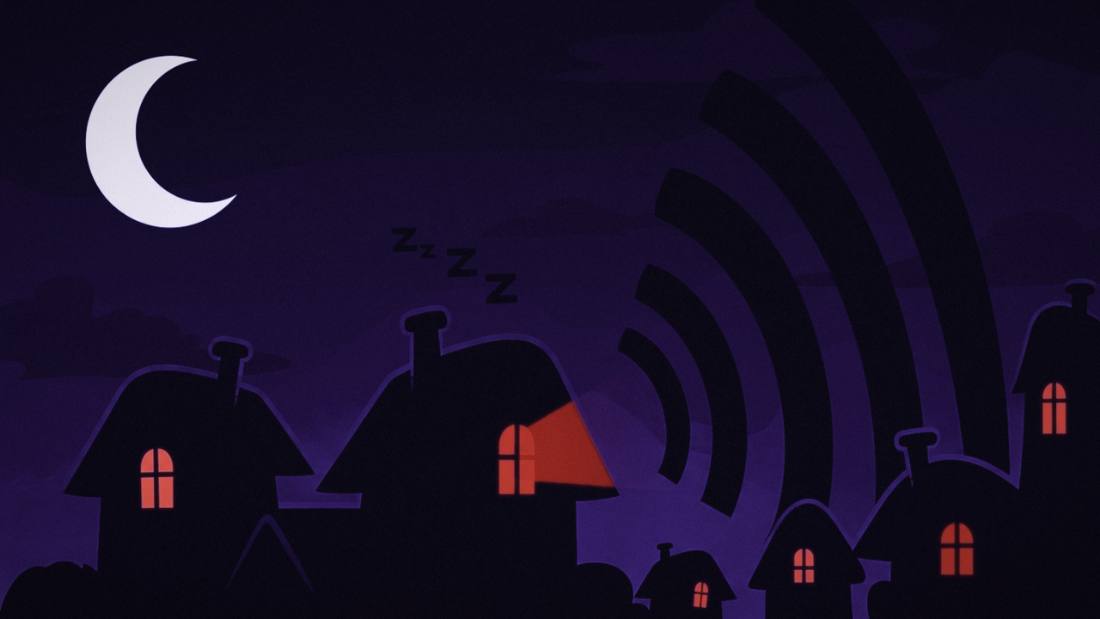
The babysitter is new. She's got your kids for three hours while you record a podcast, and you've never saved her number. You want the Mac silent so a Slack ping doesn't bleed into the audio.
So you don't silence it. Because silent means she can't reach you either, and "new babysitter, unknown number, three hours" is exactly the call you can't miss.
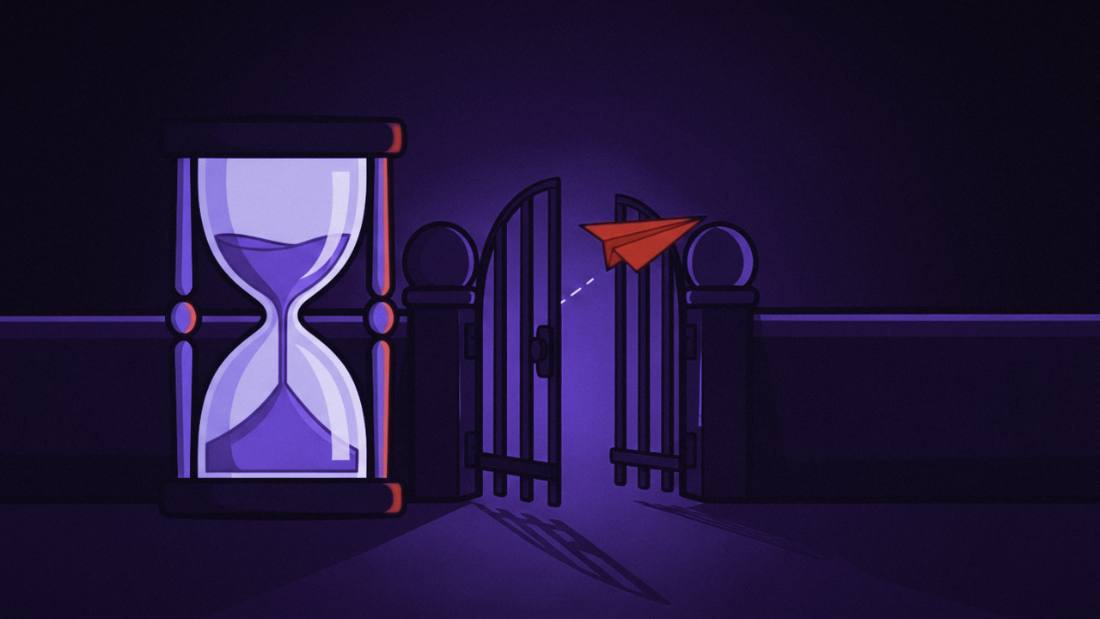
That's the bind macOS puts you in. Do Not Disturb blocks everyone or no one. You end up leaving the noise on and flinching every time a banner slides in, or going dark and spending the whole session half-worried. There's a third option, and it's the one you actually want.
Note: I make Transom, the app that does the third option. Here's the honest version anyway.
Why is macOS Do Not Disturb all or nothing?
Because it's built to block, not to sort, so it treats your kid's school and a promo the same way.
You can build custom Focus modes and allow-lists in macOS, and in theory they let a few people through. In practice most people find them fiddly enough that they fall back to plain Do Not Disturb: on is silence, off is noise. That leaves the gap. What you usually want is neither total silence nor total noise, but a narrow lane for the handful of things you can't miss.
How do I let only certain people through on my Mac?
Choose your people once, and let an app hold everyone else.
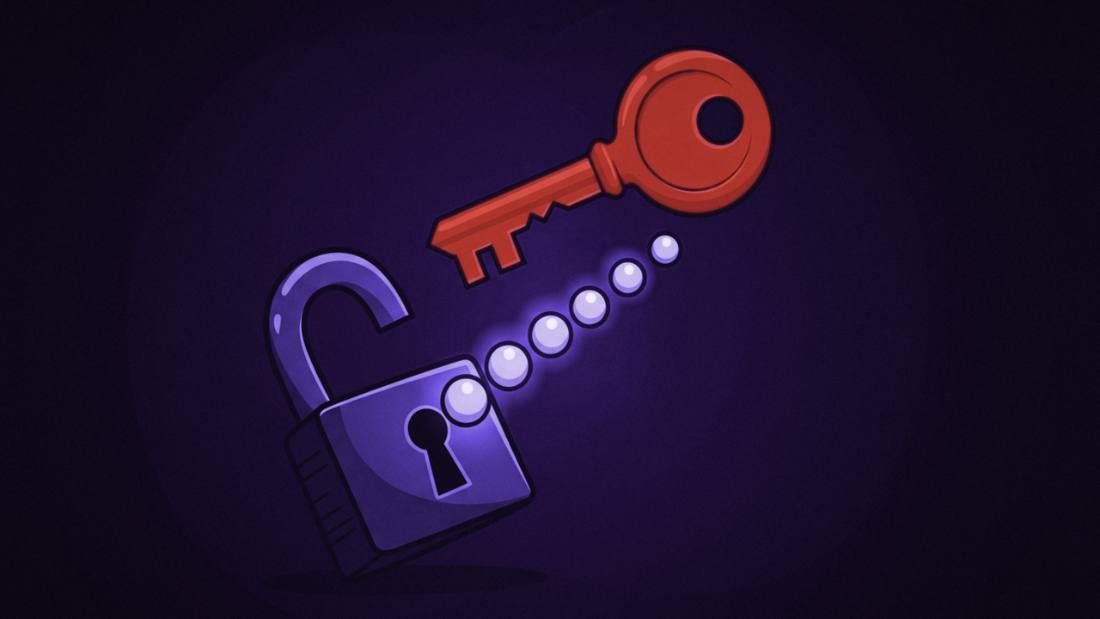
In Transom you mark the contacts allowed to reach you, then flip Focus. Everything on your Mac goes quiet except three things: your chosen people, your login codes, and a genuine emergency from anyone. Their messages still land in your notch. Everything else is held silently and counted. You didn't block the world one app at a time. You named the few who get through, and the rest waits.
Only your people get through.
The one text you'd never want to miss, surfaced the moment it lands. Everyone else waits where they landed.
Download for Mac Out now. Free for 7 days, then $29 once.What about an emergency from someone who isn't on my list?
A real emergency still gets through, even from a number you've never saved.
This is the fear that stops people from ever silencing their Mac, and it's a fair one. Transom handles it with phrase detection: a text that reads like a genuine emergency, "call me," "please call the office," a real cry for help, pierces Focus from any sender. A street address with "911" in it doesn't. A marketing "urgent!" doesn't. So the new babysitter texting "please call me" from an unknown number reaches you, while forty promos stay silent.
What did I miss while my Mac was quiet?
When you turn Focus off, one card shows you everything that was held.
The reason people abandon Do Not Disturb is the nagging "what did I miss." Transom answers it directly. Held messages are counted while you focus, and the moment you come back, a digest tells you how many were held and lets you review them in seconds. You get the quiet of going dark without the anxiety that usually comes with it.
How to set up "silence except a few" on your Mac
Download Transom, add your people in the guided setup, and attach it to a Focus you already use. After that, turning that Focus on is the whole gesture. Transom's menu bar item is a readout: it tells you which Focus is running and what is getting through.
Because Transom rides on macOS Focus, your system silence and your triage are the same switch. Turn it on for a recording, a deep-work block, or a client presentation, and the only things that reach you are the ones you decided in advance were worth it. The babysitter gets through. The podcast stays clean.
Wilton E. Blake, II makes Transom and runs answer-engine optimization audits for a living.
Wilton E. Blake, II makes Transom and runs answer-engine optimization audits for a living.
FAQ
Can I set Do Not Disturb on a Mac to allow only certain people?
Not easily with the built-in Do Not Disturb, which is all or nothing. Transom gives you an allowlist instead: you choose who can reach you, flip Focus, and only those people, your login codes, and true emergencies get through while everything else is held.
Will an emergency still reach me if my Mac is silenced?
Yes. Transom uses phrase detection so a genuine emergency text, even from a sender you haven't saved, can pierce Focus, while addresses that contain "911" and marketing "urgent" messages do not.
How do I know what I missed during a focus session?
When you turn Focus off, Transom shows a digest of everything it held, counted and reviewable in one card, so you can catch up in seconds instead of scrolling through every app's notifications.
Does Transom silence my Mac too?
macOS does that part. Transom attaches to a Focus you already use, so turning that Focus on silences your Mac and sets what Transom lets through in one move. There is no second switch to keep in sync.
Is there a keyboard shortcut for Focus?
No, and that is deliberate. Transom follows macOS Focus, so you switch it from Control Center, the same place you already switch Focus. One switch instead of two.